A month ago, I opened Altimeter. I did so with no expectation or reason to believe it would be successful, but rather it would be available to anyone who wanted it. Sure, the deal is someone would have to supply their email. But whoever wants it, can get a solid (if not perfect but unusual) theme for $0.00. I think it’s important to give you more context to Altimeter. I don’t have a lot in the ol’ bank account and I’m struggling to get ahead. I’ve also been lead to think I could lose my job at any moment for any reason, which, comes with no benefits and no assurance of raises or promotions . . . ever.
Needless to say I’m in a pickle. -redacted for professional reasons
The good news is I’ve been accepted to the University (January is go-time) of West Georgia at the Richard’s School of Business where I will work (extremely hard) towards a B.B.A. in Management. I’m following a path I started in 2022 when I earned a certificate in Project Management and I have another project on the front burner to boot. I even had to turn down my closest friend’s offer to finance a crypto mining operation I was looking into. Sorry Tij – we’ll get there somehow.
With that in mind, I have two amazing children that continue to amaze me week in and week out as well as a working wife who is feeling the strain we’re both under. The bills keep coming and you can probably relate to the pressure I’m in as you navigate your own storms, pitfalls, and unfavorable outcomes. If you know me, you know how much time and emotion I have invested into WordPress and the open source community. So much so that I’ve been watching as WordCamp Atlanta doesn’t happen this year.
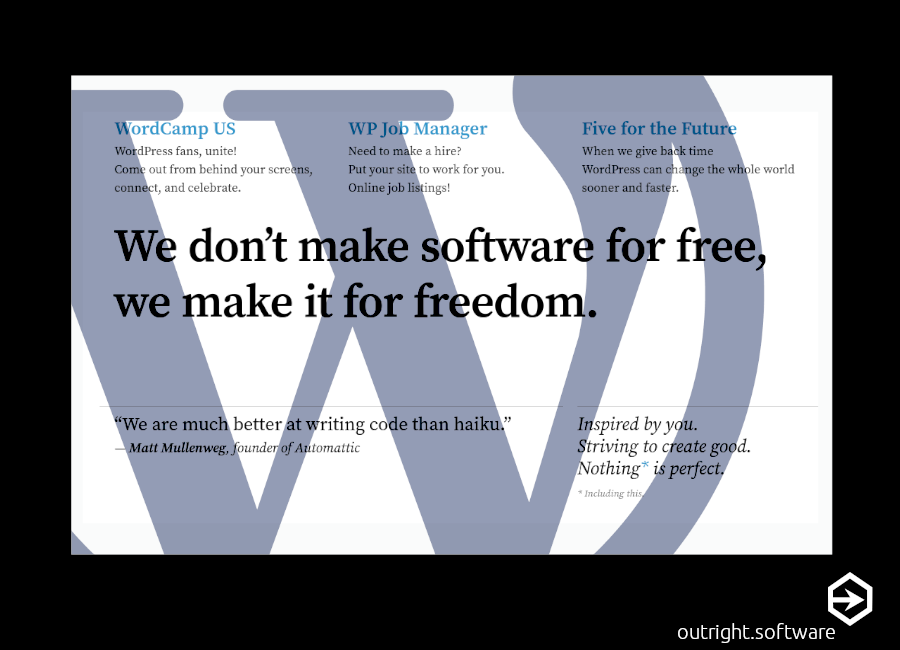
Open is easy to understand if you use it and don’t “give back.” However, I’m not that person. Open is like giving away something you care about because you may care more about the community or humanity than the project you worked really hard at. And when I read that Matt Mullenweg said “WordPress is mine,” my jaw dropped. The very next thing that popped into my head was, “there’s probably a reason behind this and I need to slow down.” Which is what I did.
Slow is not normal at this point in history due to a trend towards instant gratification, as well as, instant access to information. Reading about “going nuclear,” “lawsuit,” and “spat,” is a bit alarming, but I was glad to learn that WordPress.org has always belonged to Mullenweg. It’s a bit more complex then just that and really interesting how WordPress consists of more than just .org and .com – the open source learning platform and the commercial business that is built on top of that platform. I’d rather let him explain it at 4:57 of this video:
Apart from opening up Altimeter, I’ve also spoke at WordCamp ATL and volunteered at WordCamp 2016. I’ve also attended two other WordCamps and gave a talk about setting up a drop-ship site using WordPress and Printify. I’ve given back. It wasn’t easy because we’re wired to ask, “how do I get compensated?” I can see the side of WPEngine as well. I don’t remember seeing or reading about requirements to give back to WordPress and other companies use the platform with the expectation to do so freely without any returned help.
So, Matt (ma.tt) decided to (what I think is a pretty smooth choice) let the company (automattic) vote on what it wanted to do with his decisions. He offered them six months of salary. Would you leave a company that gives six months salary, lets you work remotely, and encourages you to do something you love? Am I licking Matt’s boots? No. He gave to the community as well. I respect that. I don’t always agree with his decisions, but it’s not my company and it’s not my software. To add to that, WordPress has so many good things going on and I think this is blowing way out of proportion.
So why am I writing this? Well, I applied to Automattic in 2021, but sadly, did not get in and I’m at peace with that. Maybe I’m not Automattic material and that’s ok – I have Outright and I am working on a new app that I’m excited about using Flutter and .dart. It’s wild and I can’t wait to share it with you – this is the project on the back burner.
So is WordPress “open?” Yes. Is Matt an advocate for open software and WordPress? Yes. You also need to know he’s making money for a for-profit business at the same time. I couldn’t pull that juggling act off. In conclusion, I think I’m just going to stick with Matt on this and say good luck to everyone. Keep writing and building the internet – see you online.
None of the statements in this article are paid for and I do not endorse any of the services mentioned above. I am not receiving compensation or any other benefits from what I write.
References:
https://www.theverge.com/2024/10/4/24262232/matt-mullenweg-wordpress-org-wp-engine